
Avoid Email Delivery Pitfalls: Blacklisted Words Unveiled
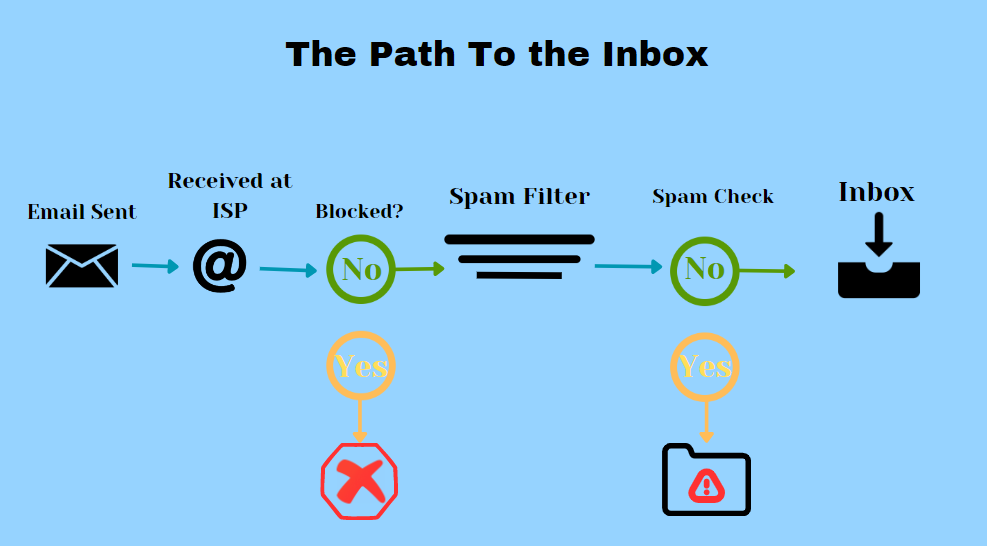
Importance of Email Deliverability
Email deliverability refers to the successful delivery of emails to the recipients’ inboxes, ensuring that they reach their intended destination without being blocked or filtered as spam. It plays a crucial role in the effectiveness of email marketing campaigns and communication strategies for businesses.
Impact of Blacklisted Words on Email Delivery
The impact of blacklisted words on email delivery can be significant. Blacklisted words are specific terms, phrases, or patterns that are flagged by spam filters or email reputation systems as potentially spammy or suspicious. When these blacklisted words are present in your email content, it can negatively affect your email deliverability, causing your messages to be filtered into spam folders or even blocked entirely.
How Email Filters Work?
Email filters play a crucial role in managing the overwhelming influx of emails we receive daily. They are designed to sort and categorize incoming emails based on specific criteria, ensuring that the most relevant and important messages reach our inboxes while filtering out spam and potentially harmful content.
Here’s an overview of how email filters operate:
1. Content Analysis: Email filters employ complex algorithms to analyze the content of incoming emails.
2. Spam Detection: Filters use a combination of techniques to identify and flag emails as spam.
3. Blacklisting and Whitelisting: Email filters maintain lists of blacklisted and whitelisted senders and domains.
4. Reputation Analysis: Email filters evaluate the reputation of the sending IP address, domain, and email server.
5. User Preferences: Filters take into account individual user preferences and behavior.
6. Rule-Based Filtering: Email filters allow users to set up rules and filters based on specific criteria.
7. Feedback Loops: Email service providers often have feedback loops with email recipients.
By understanding how email filters work, you can optimize your email communication to ensure that your messages reach the intended recipients’ inboxes.
Common Blacklisted Words and Phrases
Common blacklisted words and phrases are specific terms and combinations of words that are known to trigger email filters and increase the likelihood of emails being marked as spam. These words and phrases are often associated with unsolicited or unwanted content, such as promotional offers, scams, adult content, or offensive language. It’s important to be aware of these blacklisted words and avoid using them in your email communications to maintain a high deliverability rate.
Here are some examples of common blacklisted words and phrases:
1. Avoid using spam that makes bold claims and promises.
- Be your own boss
- Get out of debt
- 100% free
- Cents on the dollar
- Make money
- Free investment
- Free money
- Satisfaction guaranteed
- Miracle
- Money back
- Once in a lifetime
2. Avoid using terms in spam that imply haste or pressure.
- Do it today
- Don’t delete
- Instant
- Take action
- This won’t last
- Urgent
- What are you waiting for?
- Will not believe your eyes
- You are a winner
- You have been selected
3. Avoid using spam terms that suggest sleazy, spammy, or unethical activity.
- Check or money order
- Cures
- Valium
- Viagra
- Not junk
- No cost
- Hidden charges
- Passwords
- Meet singles
- Lose weight
4. Please refrain from using any jargon or legalese in your spam.
- Cheap
- Claims
- Bargain
- Beneficiary
- Compare rates
- Loans
- Debt
- Cash
- Income
- Investment
These are just a few examples of common blacklisted words and phrases. However, it’s important to note that the specific blacklisted words and phrases can vary across different email service providers and spam filtering systems.
Tools and Resources for Blacklisted Word Management
When it comes to managing blacklisted words in your email content, there are several useful tools and resources available to help you monitor, analyze, and optimize your email deliverability.
Here are some essential tools and resources for blacklisted word management:
1. Email Deliverability Testing Tools:
Email deliverability testing tools are valuable resources that assist in assessing the performance and deliverability of your emails. These tools help you understand how your emails are perceived by spam filters, email clients, and recipient servers.
There are several Email Deliverability Testing Tools available that can help you analyze and improve your email deliverability.
Here are a few examples:
I. GlockApps:
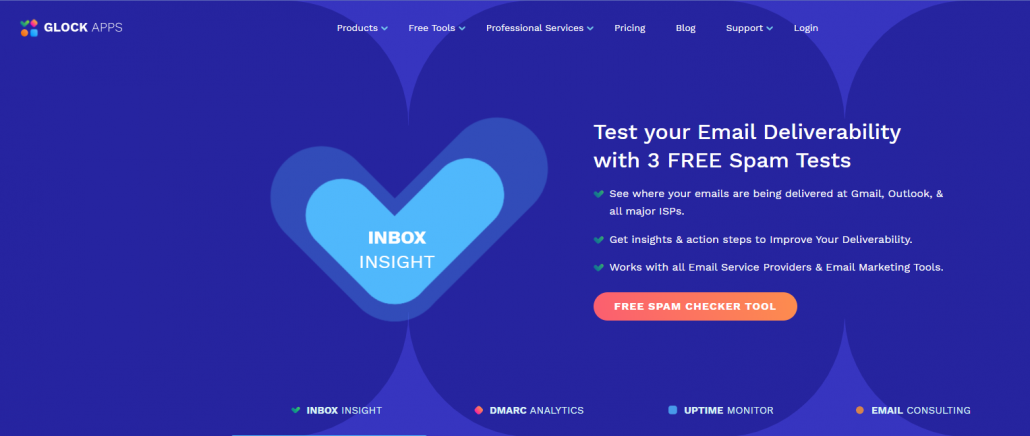
GlockApps provides comprehensive email testing and monitoring services.
It allows you to test your emails against various spam filters, email clients, and ISPs.
You can identify issues related to blacklisted words, HTML rendering, inbox placement, and more.
It offers detailed reports and recommendations to optimize your email deliverability.
II. Litmus:
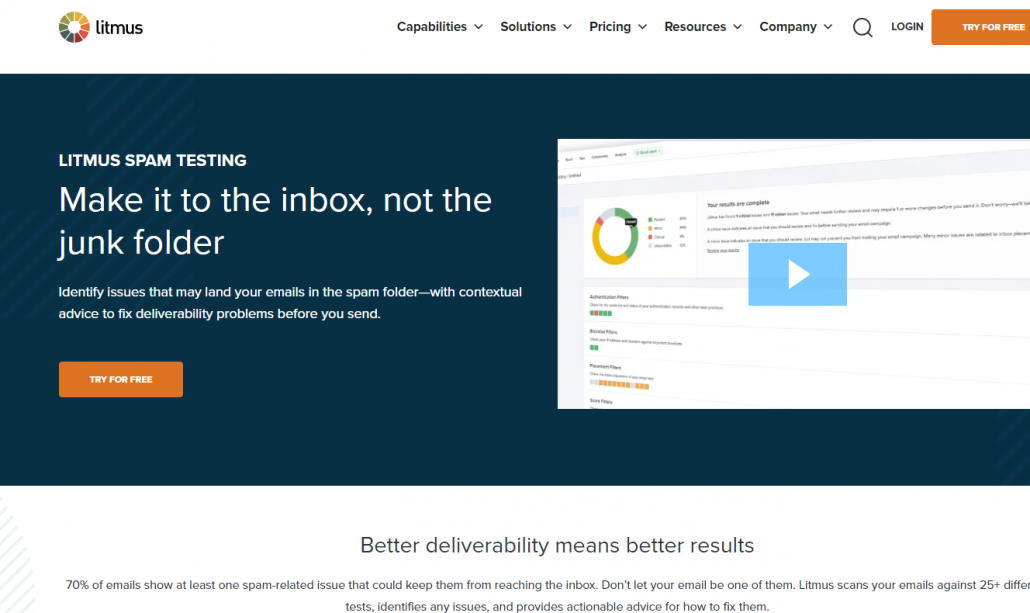
Litmus is a popular email testing and analytics platform.
It provides a suite of tools to test and track email campaigns across different devices, email clients, and spam filters.
You can preview how your emails appear in various inboxes and identify potential issues that might affect deliverability.
It offers actionable insights and recommendations to enhance your email performance.
III. Email on Acid:
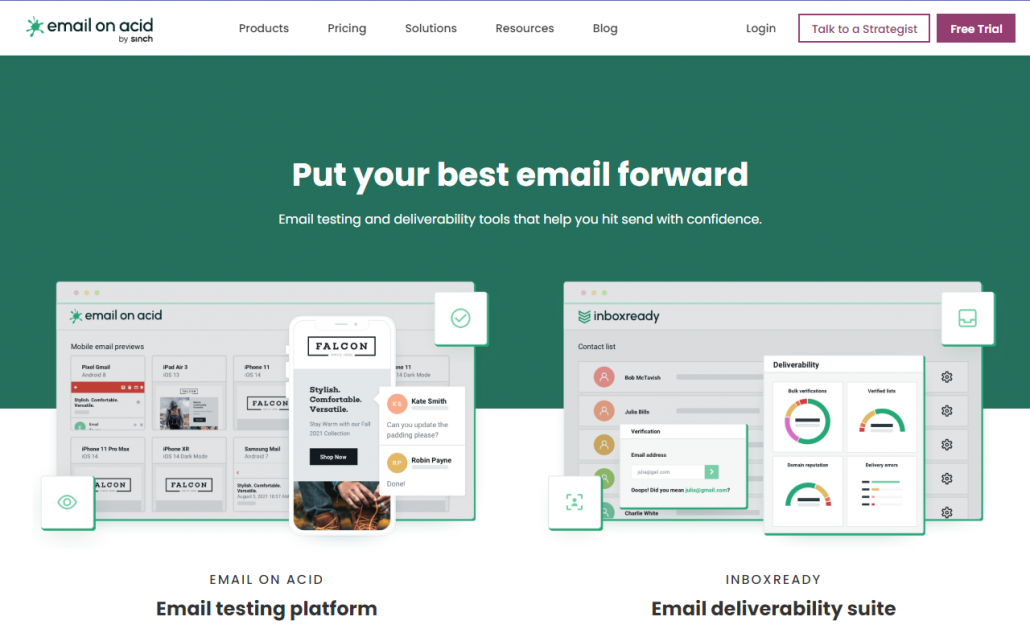
Email on Acid offers a comprehensive email testing platform.
It allows you to preview and test your emails across multiple clients, devices, and spam filters.
You can identify any issues related to blacklisted words, rendering, links, images, and more.
It provides detailed analysis and suggestions to optimize your email deliverability.
These tools offer valuable features and functionalities to analyze and improve your email deliverability.
2. Spam Filter Checkers:
Spam Filter Checkers are online tools that help you assess the likelihood of your emails being flagged as spam by various spam filters. These tools simulate the behavior of popular spam filters and analyze your email content to determine if it contains any elements that may trigger spam detection.
Here are a few examples:
I. Mail-tester:
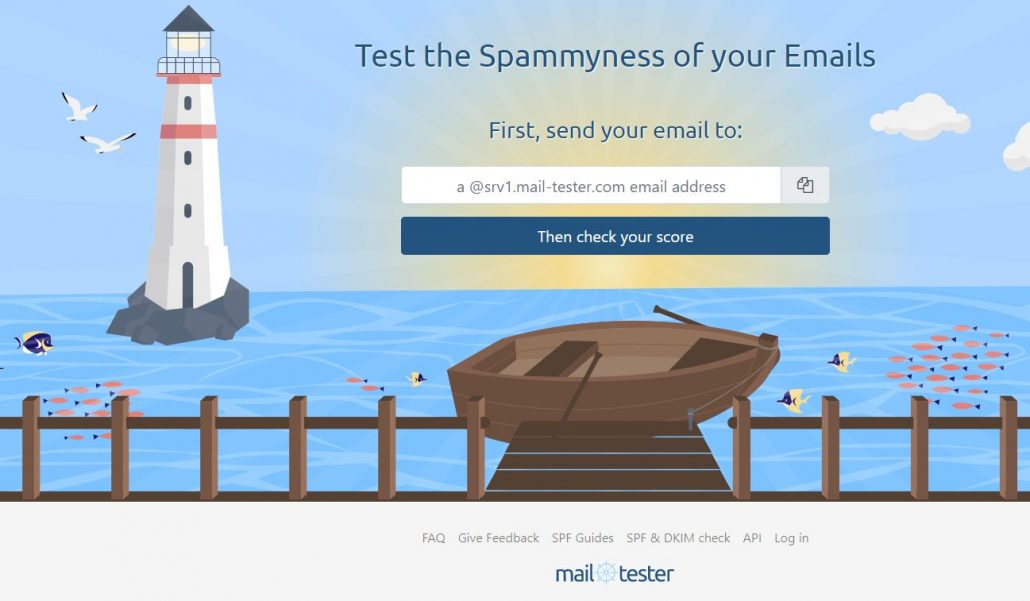
Mail-tester is a popular tool that allows you to check the spam score of your emails.
You simply send a test email to the provided address, and it generates a detailed report with a spam score.
The report highlights potential issues that might trigger spam filters, including blacklisted words, formatting problems, and authentication errors.
II. Is Not Spam:
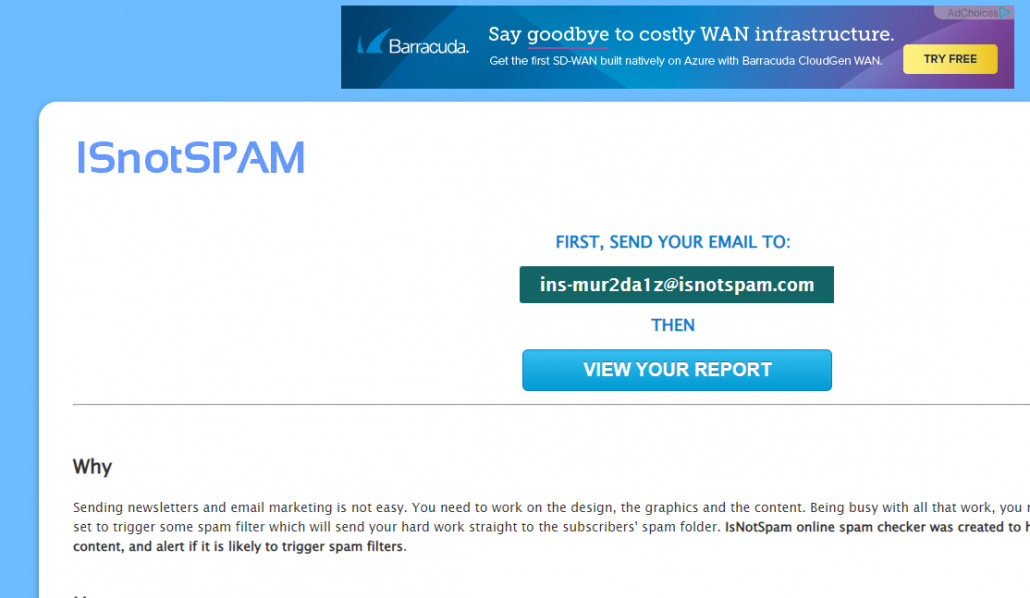
Is Not Spam is an online tool that evaluates the spamminess of your email content.
You can paste the email content into the tool, and it analyzes various factors to determine the likelihood of your email being marked as spam.
It provides a detailed analysis of elements such as blacklisted words, HTML structure, and other characteristics that may trigger spam filters.
III. Postmark Spam Test:
Postmark Spam Test allows you to check how your emails will be perceived by different spam filters.
You can send a test email to their provided address, and it evaluates your email against popular spam filters.
The results indicate if your email contains any problematic elements, including blacklisted words, suspicious links, or incorrect formatting.
These Spam Filter Checkers help you assess the likelihood of your emails being flagged as spam by various filters.
3. Email Service Provider (ESP):
Email Service Provider (ESP) Tools are software platforms or services that help businesses manage and send email campaigns efficiently.
There are several Email Service Provider (ESP) tools available in the market that offer various features and functionalities to enhance your email marketing campaigns.
Here are a few examples:
I. Mailchimp:
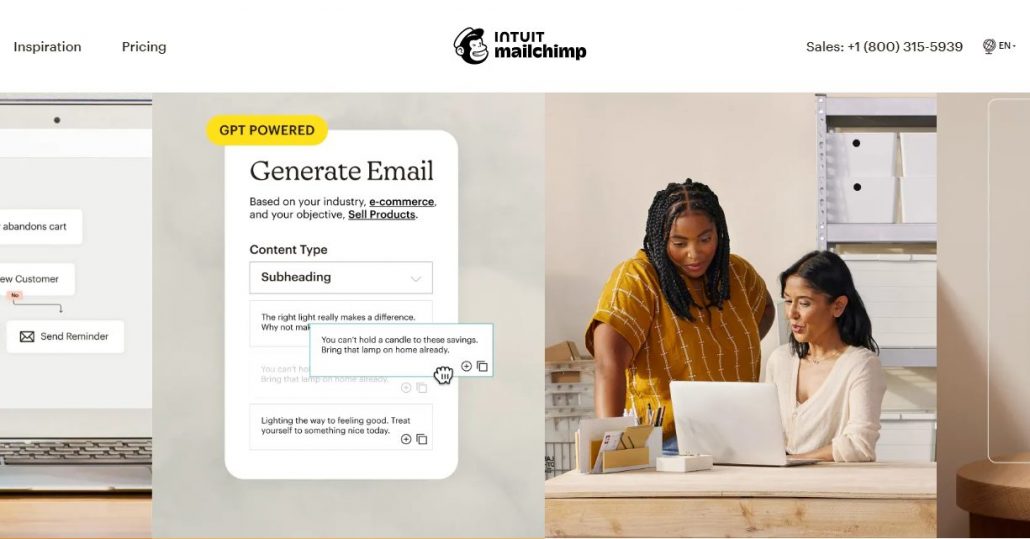
Mailchimp is a popular ESP tool that provides a user-friendly interface for creating and managing email campaigns.
It offers features like email templates, contact management, automation, and analytics.
With Mailchimp, you can easily personalize your emails, segment your audience, and track the performance of your campaigns.
II. Brevo (formerly Sendinblue):
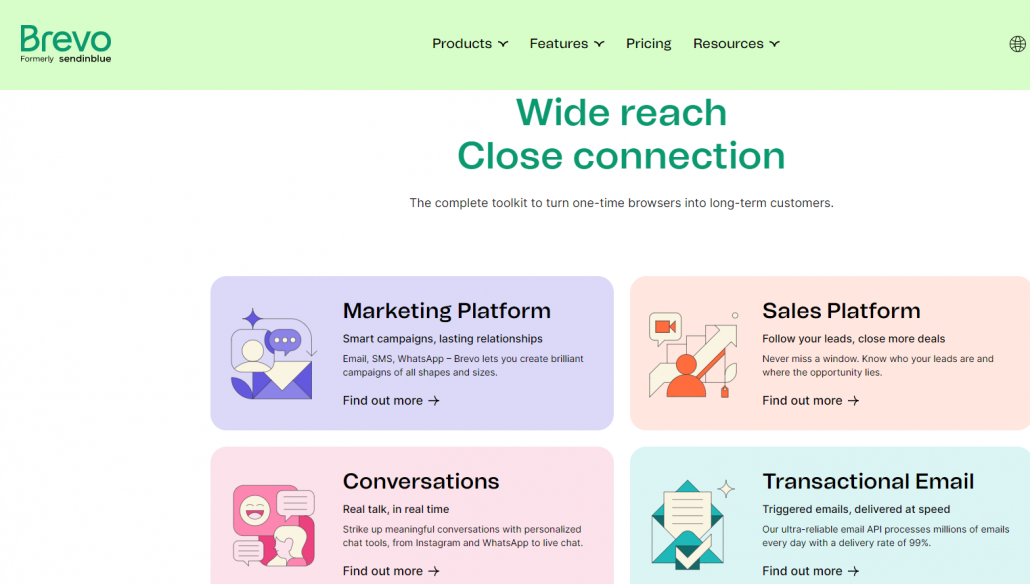
Brevo (formerly Sendinblue) is an all-in-one marketing platform that includes email marketing, SMS marketing, and more.
It offers a drag-and-drop editor to create visually appealing emails and automation workflows.
Brevo provides features like contact management, A/B testing, and real-time analytics to optimize your email campaigns.
III. Constant Contact:
Constant Contact is an ESP tool that focuses on simplicity and ease of use.
It offers a wide range of email templates, customizable signup forms, and list management features.
With Constant Contact, you can easily create engaging emails, segment your contacts, and track your campaign results.
They offer a range of features and functionalities to enhance your email marketing efforts and improve deliverability.
4. Blacklist Monitoring Services:
Blacklist monitoring services are tools or platforms that help businesses monitor the status of their IP addresses and domains on various email blacklists. These services continuously monitor multiple blacklists and provide timely notifications if a company’s IP address or domain gets blacklisted.
Blacklist monitoring services are crucial for maintaining a good email deliverability reputation and ensuring that your emails are not being blocked or filtered due to blacklisting. To know more about the whole process check out our article on Blacklist “How to check IP Blacklist and steps for removal“
Here are a few examples of popular blacklist monitoring services:
I. MXToolbox:
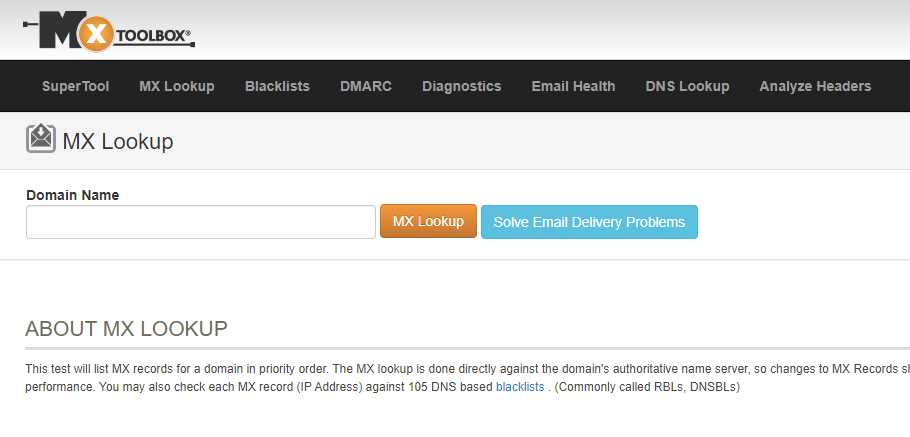
MXToolbox offers a comprehensive set of tools for email deliverability management, including blacklist monitoring.
It checks your IP addresses and domains against multiple blacklists and provides detailed reports on any listings found.
MXToolbox also offers monitoring for other email-related issues like SPF and DKIM authentication.
II. Blacklist Alert:
Blacklist Alert is a service that continuously monitors your IP addresses and domains for blacklisting.
It provides real-time alerts whenever your email sending infrastructure is listed on any major blacklists.
Blacklist Alert also offers insights and recommendations to help you take appropriate actions to resolve any blacklisting issues.
III. SenderScore.org:
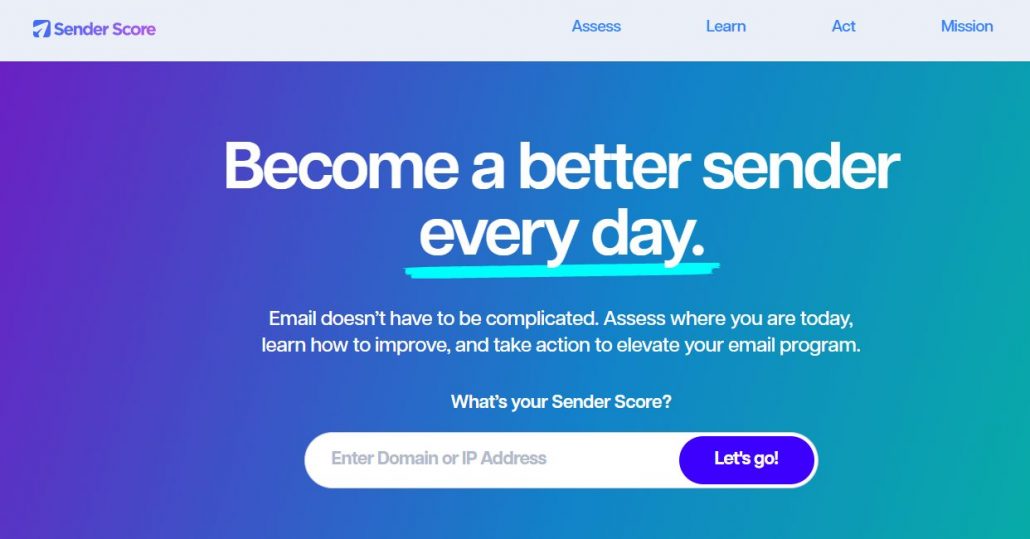
SenderScore.org, operated by Validity Inc., is a reputation monitoring service that assesses the sending reputation of your IP addresses.
While it primarily focuses on reputation scoring, it also provides information on blacklisting status.
SenderScore.org offers insights into your email sending practices and reputation to help you identify and address any issues affecting deliverability.
These blacklist monitoring services help you stay informed about any blacklisting incidents and take prompt action to resolve them.
Conclusion
In conclusion, it is crucial to be mindful of blacklisted words and take proactive steps to ensure email deliverability. By understanding the impact of blacklisted words on email delivery and implementing strategies to avoid them, you can significantly improve the chances of your emails reaching the intended recipients’ inboxes.
By prioritizing email deliverability and staying vigilant in managing blacklisted words, you can enhance the success of your email marketing campaigns and ensure that your messages are reaching your audience effectively.
Very interesting and enlightening articles good work keep it up.